Shotcut versions 25.10 and 25.12 bring new exciting tools for creators. Whether you’re editing videos for YouTube, tutorials, or creative projects, these features can make your workflow smoother and more fun.
1. Image or Video from HTML
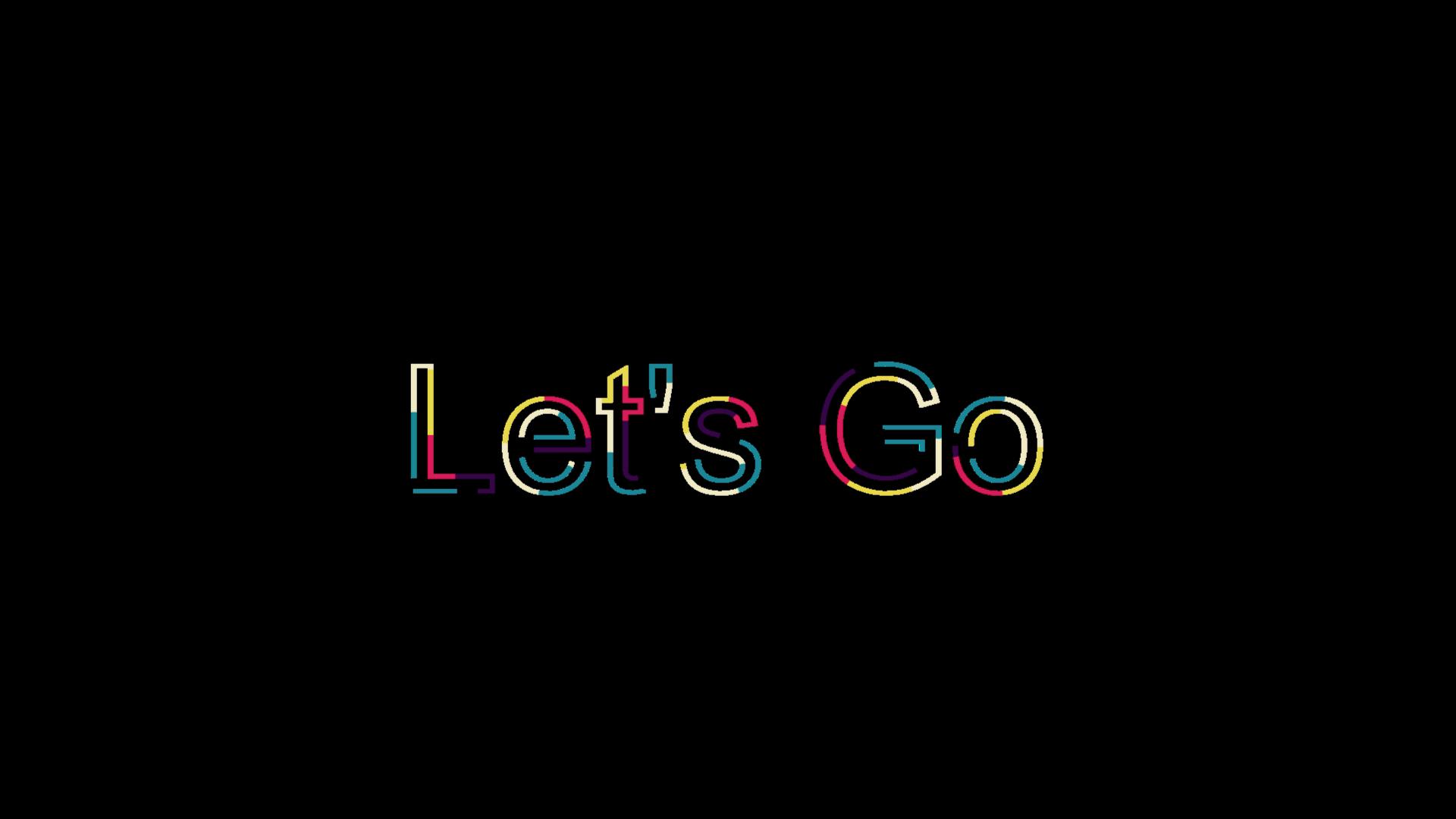
One of the coolest additions is the Image/Video from HTML generator.
You access it via File → New → Image/Video from HTML or through the New Generator menu.
- Shotcut provides presets like 3D image, Elastic Stroke, and Neon Flux. Some generate static images, while others create short video clips.
- Example: The Elastic Stroke preset produces animated text effects, while Neon Flux gives glowing visuals perfect for intros.
👉 If you know CSS, HTML, or JavaScript, you can even create custom designs. This opens up endless creative possibilities for personalized titles, graphics, or animated overlays.
2. Typewriter Text Filter
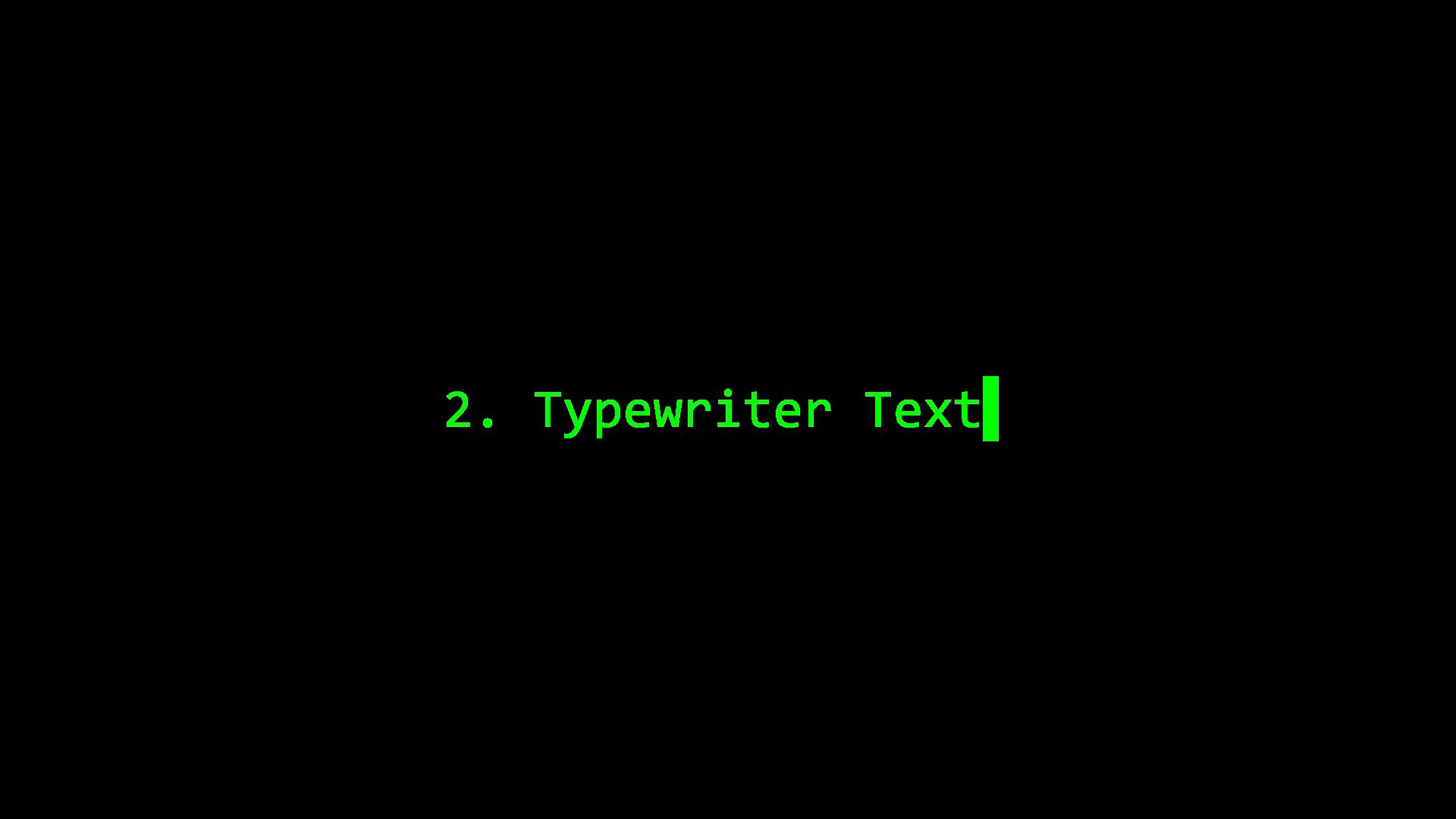
There’s a Typewriter text filter now that is easy to use. In the past you may have to use keyframes to create a similar effect in Shotcut, now it is built in.
You can control the typing speed, rate variation, and also choose whether text appears character by character, word by word, or line by line.
Options include cursor visibility, font color, and timing adjustments.
Great for storytelling videos and/or adding dramatic emphasis to your content.
3. Smarter Filter Options
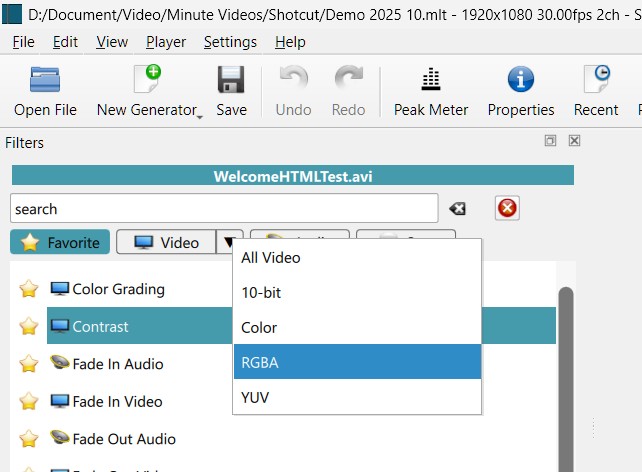
Shotcut now makes it easier to manage filters.
You can filter you filters (yeah, pun half intended) by 10-bit video, RGBA, or UV color formats. This tells you how the filters work. But you can just ignore it and get on with editing.
For color correction, simply switch to the Color tab, and Shotcut will group relevant filters together.
Similarly, if you’re working with audio, switching to the Audio tab organizes filters for sound editing.
This streamlined interface saves time and helps beginners avoid confusion.
4. Text-to-Speech (TTS) Integration
This is a big one: Shotcut now supports Text-to-Speech (TTS).
To use it, you’ll need Docker Desktop installed and running. You can check the hardware requirements to install Docker Desktop here.
This feature requires Docker, which provides an installer, and the automatic download of an 13.2 GB Docker image. Just follow the instructions in Shotcut to do this.
To use this feature, you:-
- Add a subtitle track, type in your text, then select Text-to-Speech from the menu.
- You can choose languages (British English, American English, etc.), voices, and playback speed.
- Shotcut generates an audio file that syncs with your video.
⚠️ Note: The Docker installation is heavy (around 13GB), so expect some setup time. But once it’s running, you can easily generate voiceovers without recording your own audio.
Video Review And Tutorial
If you prefer video, the following video shows the process and results.
Final Thoughts
Shotcut v25.10 and v25.12 are packed with features that expand creative possibilities. From HTML-based animations to text-to-speech, these updates make video editing more accessible and versatile.
If you’re looking for a free editor that keeps evolving, Shotcut deserves a spot in your toolkit. Try out these new tools and see how they fit into your workflow.
Try this new features and let me know which ones you like most.