Make Pro Level Video Tutorials In Minutes
Creating screen recording video tutorials or software walkthroughs is quite simple. The challenge is making them look good while engaging your audience requires editing and that takes a lot of time.
The latest version of FocuSee helps with making the necessary cursor highlights, pans and zooms, audio effects with minimal to no editing. It even has 3D zoom that makes your videos look like it was edited by a professional.
Record Everything
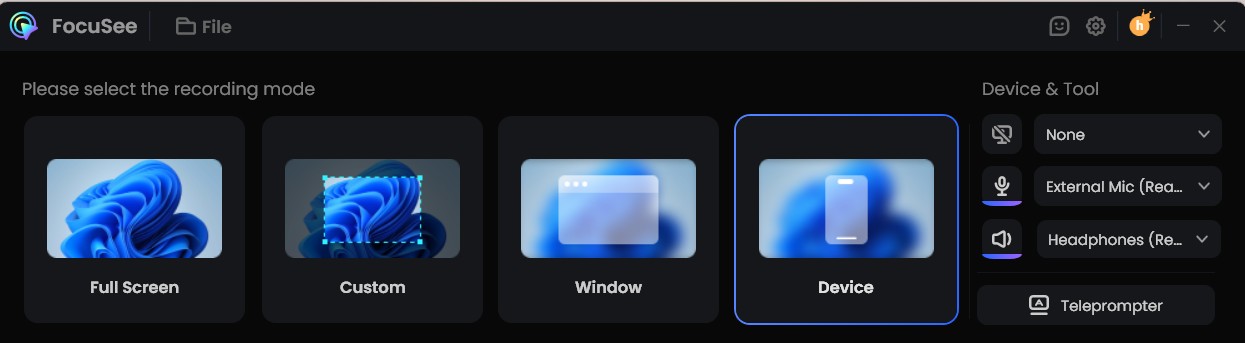
With FocuSee, you can record everything. Your fullscreen, a certain window, custom part of your screen, webcam, and even your smartphone screens. This makes is so convenient. You can also use the built in teleprompter to reduce mistakes.
Just select the screen you want and hit record.
Once you finish, you are taken to the editing page, where you can tweak your mouse clicks, mouse movements, pans and zooms if you want to.
Mouse Movement And Highlights
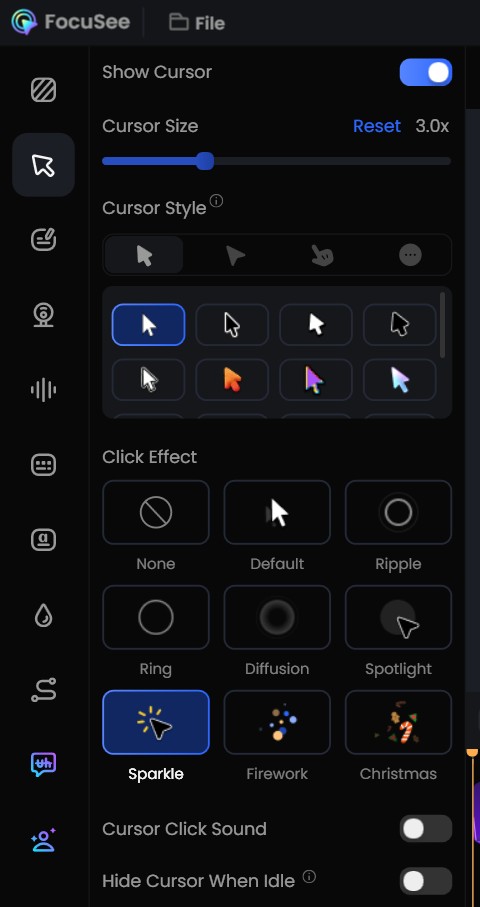
If you are editing a raw screen recording the traditional way, you will have to decide on the mouse before you hit the record button. You can’t change the size and movement of your mouse after that.
With FocuSee, you can change all those should you find your mouse is too small, or it blends in with parts of your recording. And you do not have to be concerned with eratic movements of your mouse because FocuSee takes care of it.
Should you feel the need to personalize and tweak the settings, you can do so too, like choosing a different click effect, the sound and loudness of mouse clicks as well.
3D Pan And Zoom
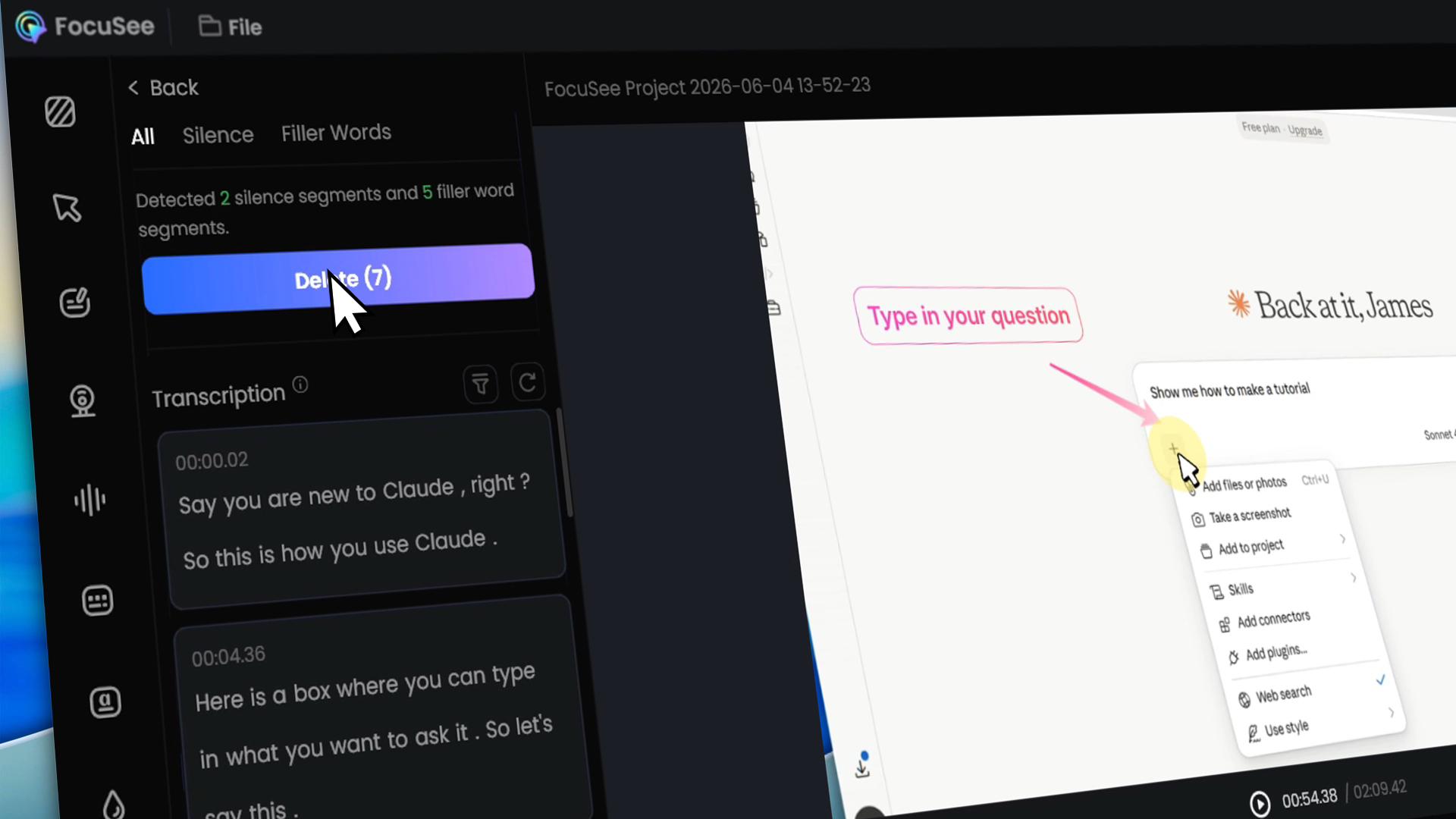
Creating 3D pan and zoom on screen requires significant amount of clicking around in traditional timeline editors. With FocuSee, just 1 or 2 clicks and you are done. They enhance you video significantly without requiring much effort.
AI Smart Cut
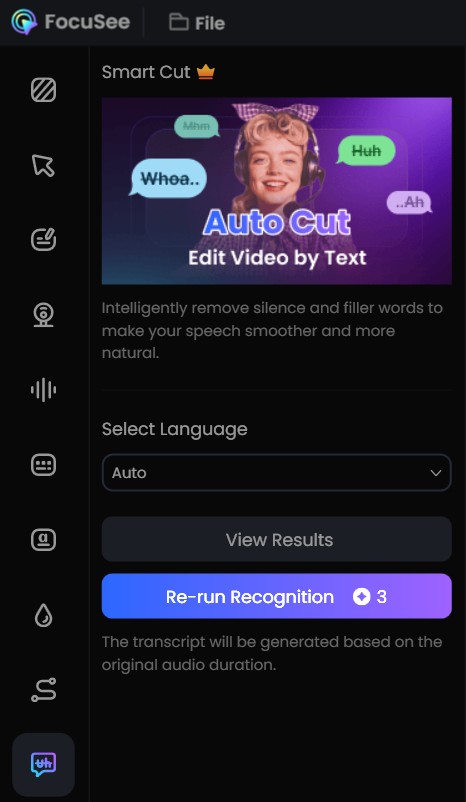
Editing out silence or filter words is one of the most time consuming aspect of making a video tutorial. It can take hours unless you speak without any mistake at all. And most people will make mistakes.
With AI Smart Cut in FocuSee, the AI automatically scans your recording, finds where the silent parts and filler words are located. You can removed them all with one single click. So much more efficient.
Audio Options
FocuSee also has built in audio controls to help you enhance your audio. You can adjust the volume, noise reduction, adjust and remove system sound, enhance vocals with just a few clicks. You can do it without using a separate audio software.
Video Review And Tutorial
If you prefer video, the following video shows the process and results.
It’s the perfect workflow multiplier for product demos, software reviews, and video tutorials.
Skip the editing grind. Try FocuSee here. Get 20% off with code FSKOL20.