Creating high conversion thumbnails consistently is a challenge. Most video creators either hire someone to do it or make do with using the occasional average or even below average ones when they don’t get good ideas.
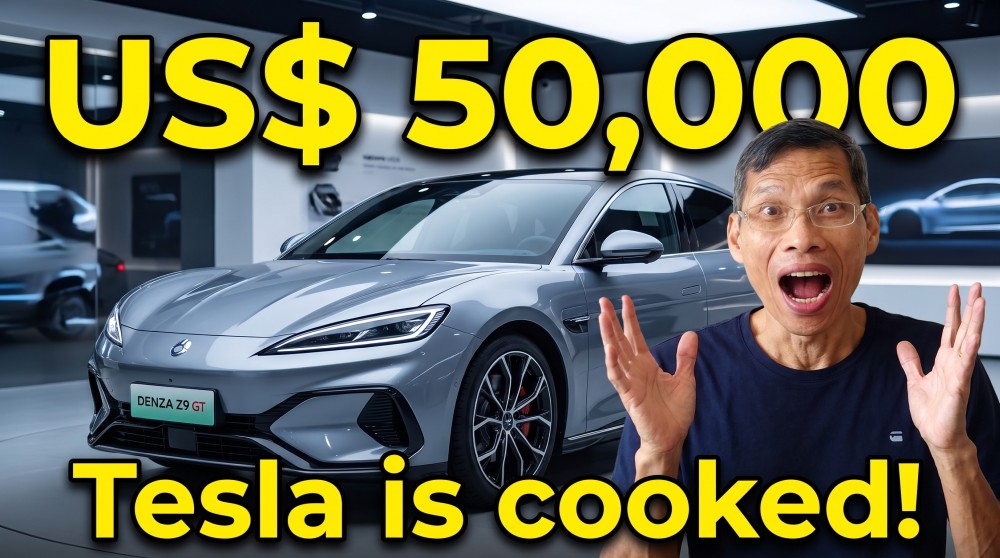
Text to Image - Prompt used “A front 3/4 view of Denza Z9 GT car. Person is surprised with text “US$ 50,000” and “Tesla is cooked!”
There are 3 main issues with creating thumbnails.
- coming with a good idea to match the video
- executing the idea i.e. taking photos and being able to create a thumbnail using graphics software
- having the right expression when taking photos
However, this is all about to change with Thumbs.ai, an AI thumbnail generator that can consistently create them.
It even rates the thumbnails that it generates so you have an idea how your thumbnail will perform but more about that later.
There are a few ways you can ask it to generate the thumbnails.
Text To Image
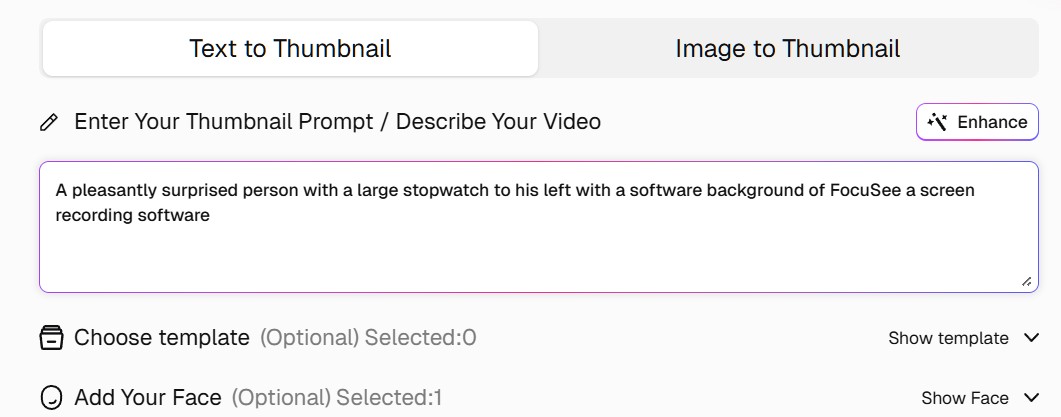
You can generate thumbnails by describing in text what you want, and Thumbs.AI will do the hard lifting. You can generate one or multiple images so you can see which one looks better.
If you still cannot decide, then you create multiple and use them in AB tests so that your audience decides which one is better.
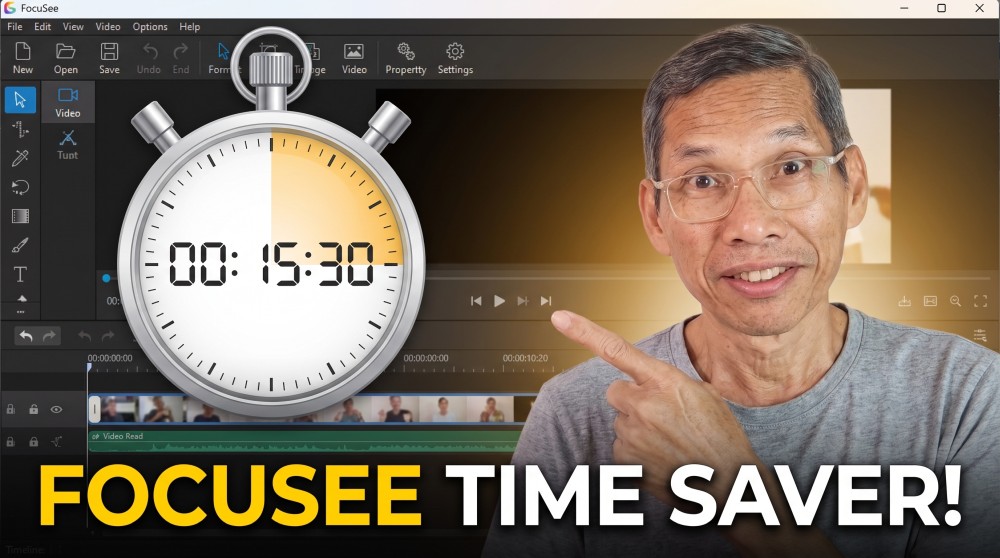
Prompt used - A pleasantly surprised person with a large stopwatch to his left with a software background of FocuSee a screen recording software
It only takes a few second to generate an image so you can do as many iteration as you want until you get an image that do well.
Recreate Thumbnails Using Images To Thumbnail
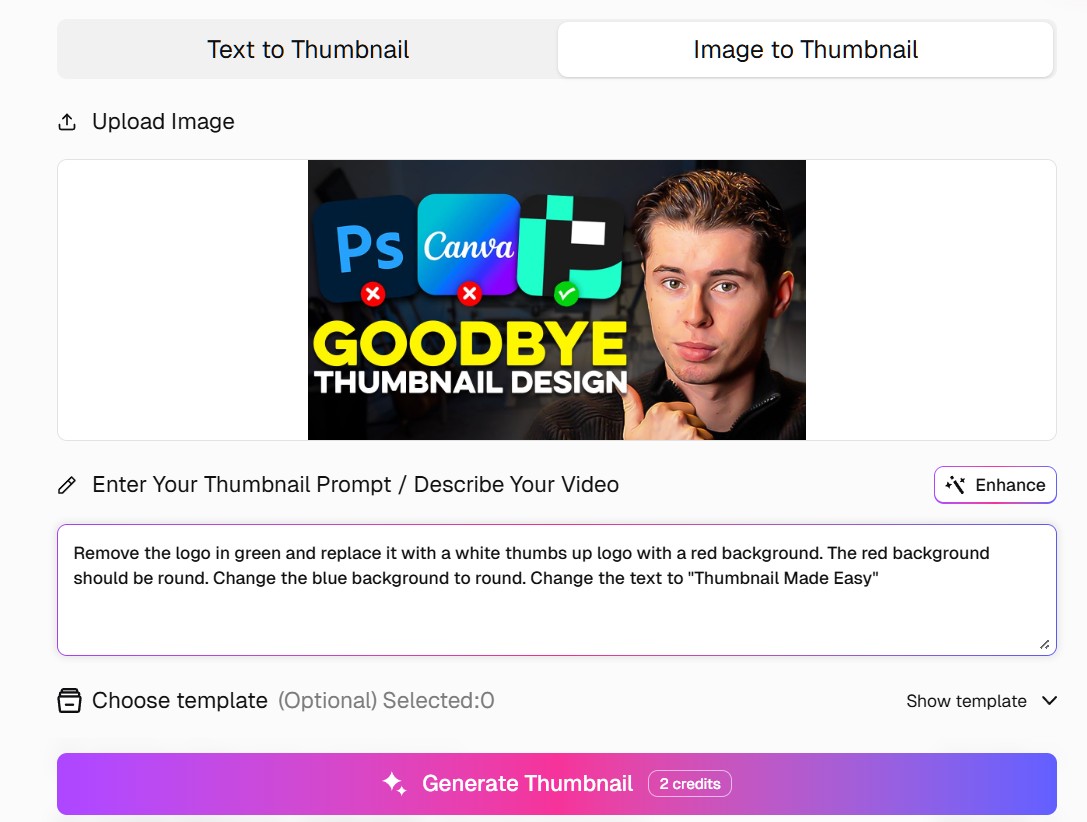
This section is where it get interesting. If you are out of ideas, what you can do is to find images or thumbnails that you think may do well. Then ark Thumbs.ai to recreate the image with the necessary changes.
With this method, you don’t have to start with a blank page. You look for inspiration from other creators. You can either upload you own images, or get it with a YouTube link. It will extract the original thumbnail from the YouTube link right into Thumbs.Ai saving you time.
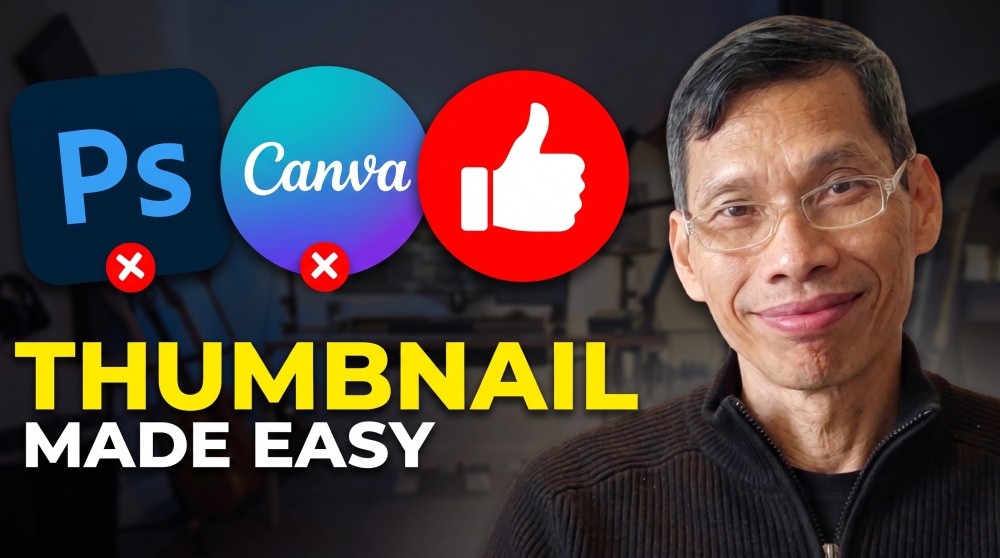
This is the thumbnail I got using the prompt above.
Use Proven Templates
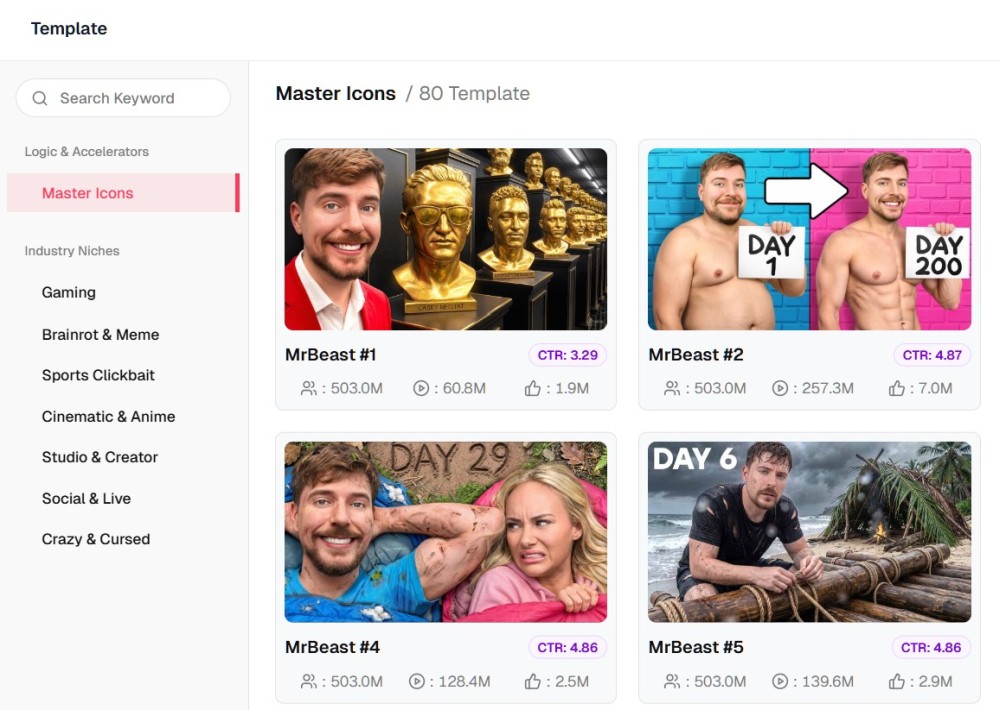
Using the templates withing Thumbs.ai, you can even see the click through rates (CTR) of the thumbnails. You have an good idea how they convert.
Next you modify the thumbnail in the template by writing what you want to change. The AI can replace your face with what it on the template. You can also change the text to suit your video.
Uploading Photos And Create Emotion
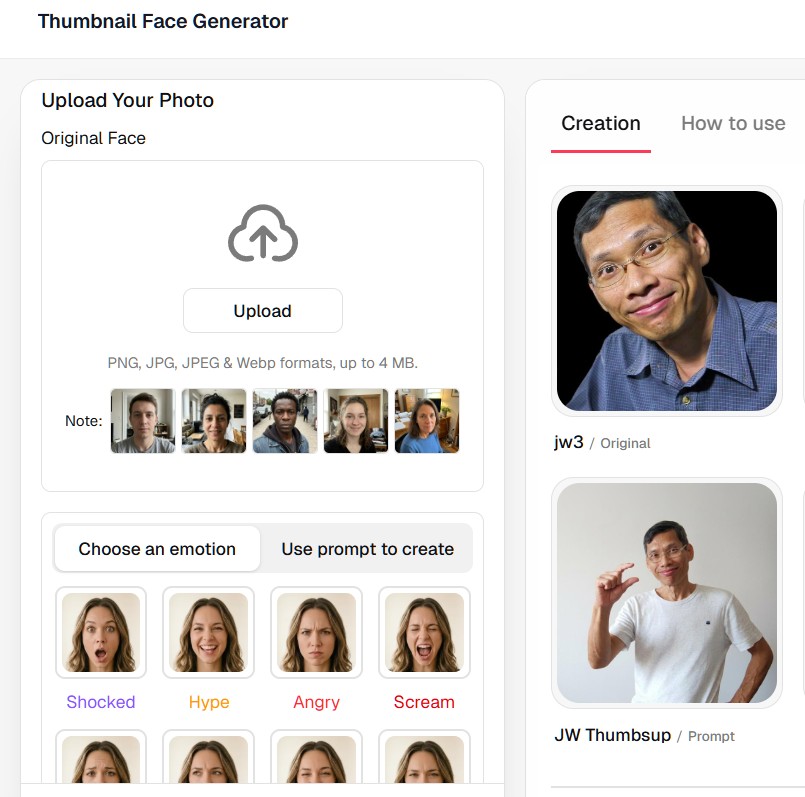
You can upload your photo and those of your friend, create photos with the neccessary emotions to suit your video. I found this feature so good because, I find it difficult to have the right facial expression for my thumbnails. So I just upload some photo I took in the past and ask Thumbs.ai to make the neccessary changes.
It make creating thumbnails so fun and easy.
Video Review And Tutorial
If you prefer video, the following video shows the process and results.
Pricing
Thumbs.ai has very reasonable pricing for what it can do. It cost $19 to create 80 thumbnails per month if you choose the monthly plan. Get it yearly, it is only $11 per month. There are plans that allows you to create more thumbnails if required.
Try It Out
Try it out and let me know how it goes. Sign up on this link.